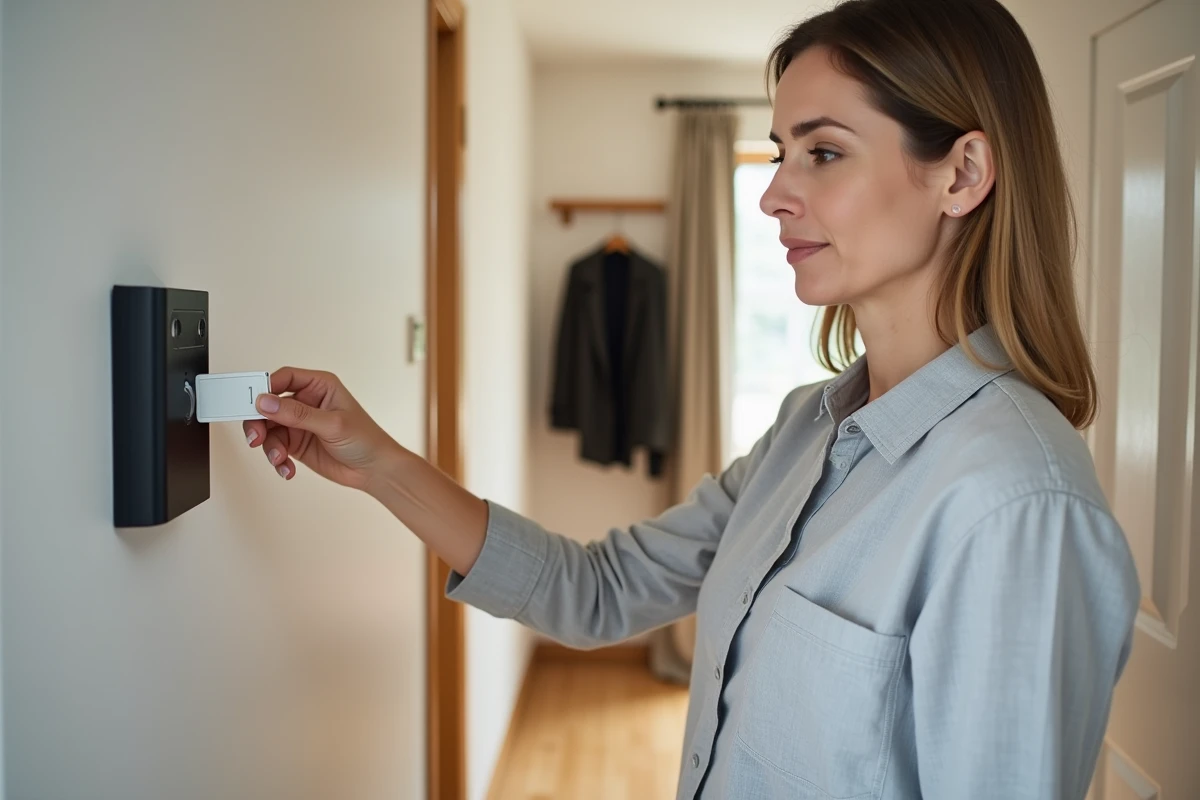
You come home with your arms full of groceries, and typing a code on your Verisure alarm keypad already seems complicated. The badge solves this problem: a simple gesture in front of the reader is enough to activate or deactivate the protection of your home. This small contactless accessory replaces code entry and works with the RFID technology integrated into the Verisure control panel.
Verisure badge RFID technology: what happens at the moment of the beep
The Verisure badge contains a passive RFID chip. It has no battery or power source. When you bring it close to the reader fixed near your door, it emits a short-range electromagnetic field.
This field powers the badge chip, which then sends a unique identifier back to the control panel. The control panel compares this identifier to its list of authorized users. If the badge is recognized, the alarm changes state in less than two seconds.
The reading range is intentionally limited to a few centimeters. Passing by the reader accidentally does not trigger anything: the badge must be placed in immediate proximity. This contactless operation also prevents mechanical wear on a keypad and makes handling accessible to all household members, including children or the elderly. To better understand how to activate the Verisure alarm with a badge, the concrete procedure unfolds in three simple steps detailed below.
Activating and deactivating the Verisure alarm with a badge: the concrete manipulation
First of all, check that your badge has been properly registered on the control panel. This association is done during installation by the Verisure technician or later via the My Verisure app.
Full alarm activation
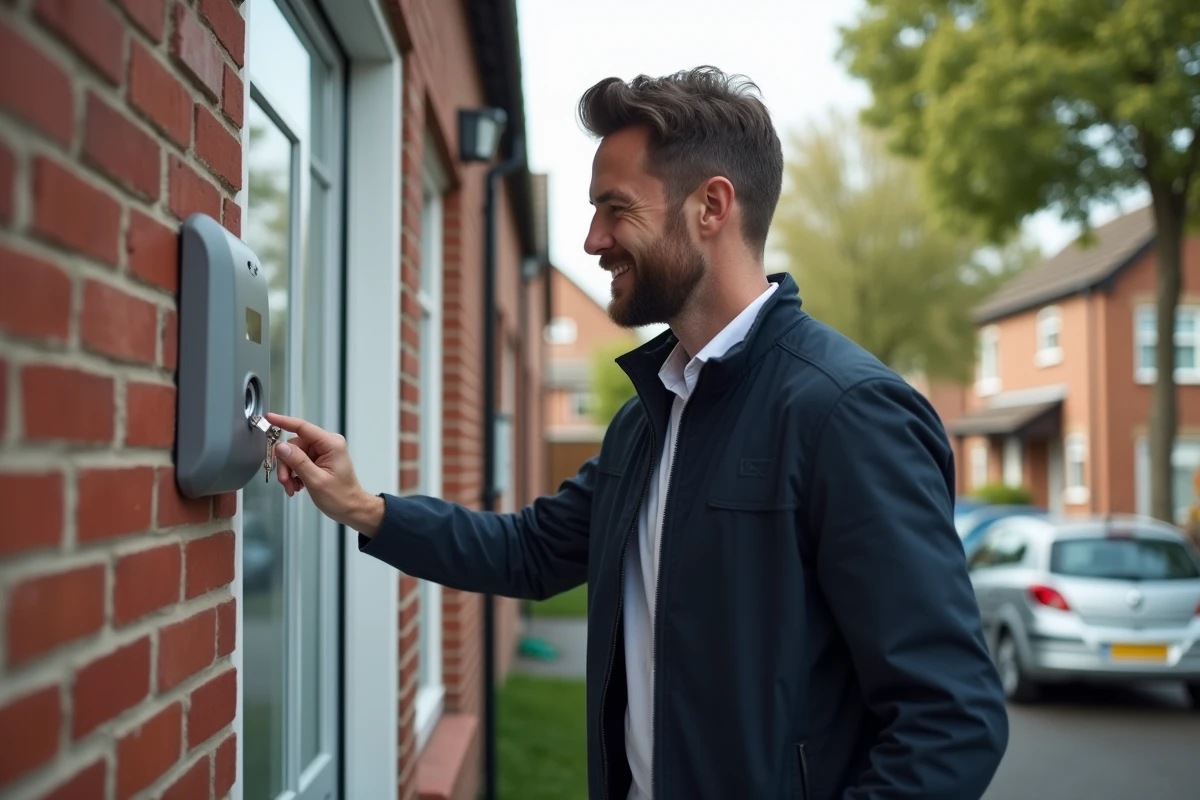
You are leaving your home and want to protect all rooms. Hold the badge in front of the reader. An audible signal confirms the action. The control panel arms all motion and opening detectors. You have a few seconds to exit before monitoring becomes effective.
Partial activation (night mode or zone mode)
You are home in the evening and want to protect only the ground floor or outside access. The badge also allows you to activate a partial mode, depending on the settings defined in the app. The reader identifies your badge and triggers the scenario associated with your user profile.
Do you have children who get up at night to go to the bathroom? The partial mode avoids false alarms in internal passage areas while keeping windows and entry doors under surveillance.
Deactivation upon return
When you return, the system gives you a short delay before triggering the alarm. Hold your badge in front of the reader during this time. The deactivation is immediate and silent. No need to memorize a code, no risk of a typo under the pressure of the countdown.
Managing badges remotely from the My Verisure app
The My Verisure app is not limited to triggering the alarm. It offers a real control panel for your badges, and this is an aspect that most guides do not detail enough.
From the “Users” section of the app, you can:
- Create a new badge for a temporary worker (cleaning lady, seasonal tenant, tradesperson) without touching the physical box
- Block a lost or stolen badge in seconds, immediately cutting off all access to the system
- Personalize each badge with a name and profile, to know exactly who activated or deactivated the alarm and at what time
- Consult the event log, which records each badge passage with timestamp and user identity
This remote management represents a concrete advantage for owners who rent out their property. A tenant leaves the premises? Their badge is deactivated from your phone, even if you are hundreds of kilometers away.
Common mistakes when using the Verisure badge
Several situations recur regularly and cause avoidable frustrations.
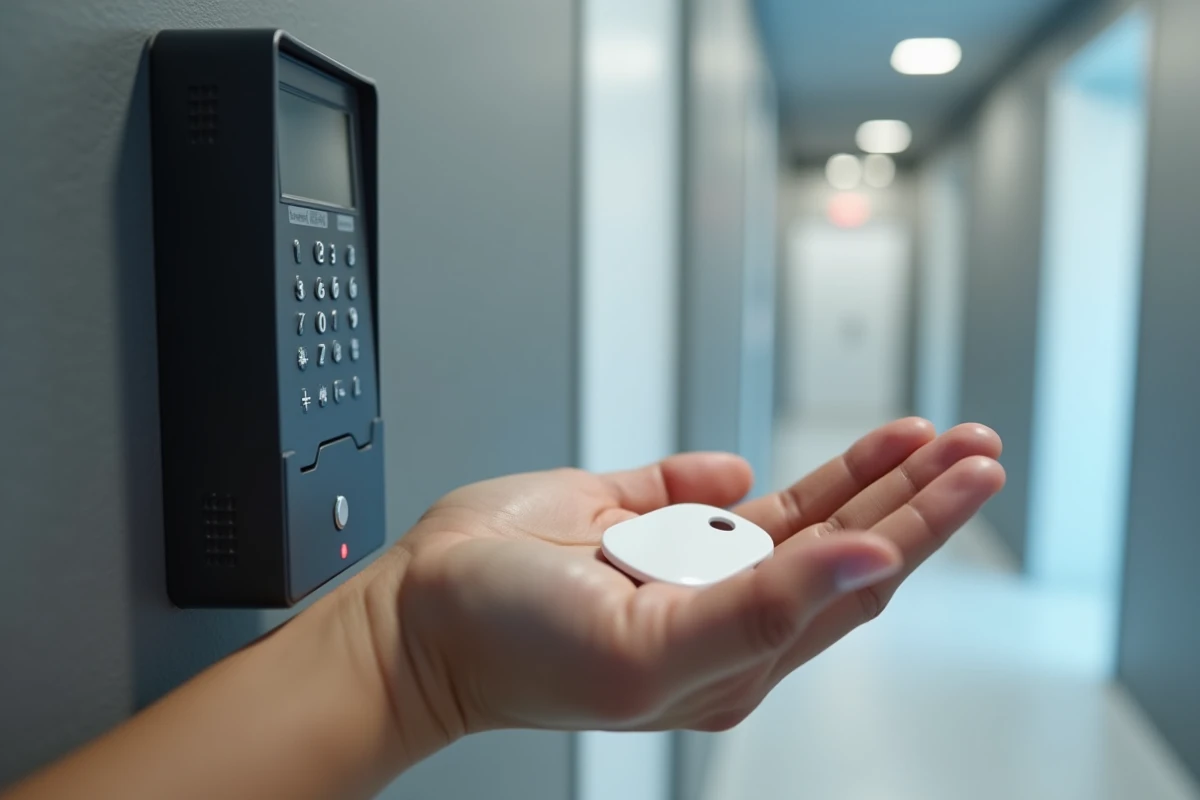
The badge does not work on the first attempt. First, check the distance: the RFID chip only responds if the badge is placed a few centimeters from the reader. A too-thick protective case or a bulky metal keychain can also interfere with reading. Remove the badge from the case and try again.
The reader emits an error beep. This may mean that the badge has never been associated with the control panel or that it has been blocked from the app. Open My Verisure, go to the “Badges” section, and check its status.
The entry delay seems too short. If you do not have time to present your badge before the siren triggers, the delay is adjustable. Contact Verisure customer service or adjust it in your control panel settings if your subscription allows.
One last often-overlooked point: do not store your badge in a drawer near the entrance. In the event of a burglary, an intruder could find it and disable the system. Keep it on a keyring that you take with you.
Badge, code, or app: which activation mode to choose daily
The Verisure system offers three ways to arm and disarm the alarm. Each corresponds to a different use.
- The badge is suitable for quick and repetitive gestures: morning departures, returns from work, frequent passages
- The keypad code remains useful as a backup solution if you forget your badge or for a one-time visitor to whom you do not wish to entrust a badge
- The My Verisure app allows you to act remotely, check the alarm status, and manage access without being physically present
The three modes coexist without conflict. You can activate the alarm with the badge in the morning and deactivate it via the app if a tradesperson needs to enter your home in your absence. Each action is tracked in the event log, regardless of the mode used.
The badge remains the most suitable mode for daily use due to its speed and accessibility. It does not require any internet connection at the time of use, unlike the app, and does not require any memorization effort, unlike the code. For a household with multiple occupants, assigning a badge to each person provides precise tracking of entries and exits without additional constraints.